For most of Android's history, anyone could build an APK, put it on a website or a third-party store, and people could install it. That changed on September 30, 2026. On certified Android devices in Brazil, Indonesia, Singapore, and Thailand, apps from participating stores now install only if the package name is registered to a developer whose identity Google has verified. Google says it will roll the same rule out globally in 2027.
This is not a post about whether Google should do this. It is about what the rule asks of you if you own an Android app, and the one part of it that turns a ten-minute form into a real problem.
What changed, in one paragraph
Android developer verification links every app to a real person or organization. Google's stated reason is malware: its March announcement cites "over 90 times more malware from sideloaded sources than on Google Play." The check runs on certified devices with Android 7 or higher and arrives through Google Play services, so it reaches old phones too. Installing with ADB still works for development. Power users can opt into an "advanced flow" that allows unverified apps after a one-day waiting period. Everyone else gets a blocked install.
Who actually has to do something
If your app is on Google Play. Probably nothing, but check. Google says 99% of Play apps were registered automatically, and eligible apps that use Play App Signing are registered for you. Open the Android developer verification page in Play Console and look at the status next to each app. That is the whole job for most Play-only apps.
If you also distribute outside Play. A direct APK download, a second store, a build you hand to a partner. You can register those packages from the same Play Console account. Do it now, even though enforcement today covers only participating stores in four countries. The FAQ is explicit that sideloading and other stores are not enforced yet, and equally explicit that you should finish before the 2027 rollout.
If you distribute only outside Play. You need an account on the new Android Developer Console. A full distribution account costs $25, the same as Play's registration fee. Individuals provide a government photo ID and proof of address. Organizations also need a D-U-N-S number, a website verified in Google Search Console, and official organization documents. Google says the process typically takes about ten minutes if you have everything ready. The D-U-N-S number is the slow part: Google warns it can take up to 28 days to obtain.
If your app runs only on managed company devices. Apps installed from your organization's managed store do not need verification, because your IT admin has already vetted them. Google still recommends registering them, so installs from another source or on an unmanaged device go smoothly.
If you are a student or hobbyist. There is a free limited distribution account with no ID check, capped at a small number of authorized devices. Google's own pages disagree on the cap: the FAQ and the March blog post say 20 devices, the limited distribution guide says 50. Plan for 20 until they agree.
The part that goes wrong: the signing key
Verifying your identity is paperwork. Registering a package name is where it can break. To claim an existing package outside Play, you enter the SHA-256 fingerprint of your signing certificate, then prove ownership by signing an APK with the private key and uploading it. The FAQ is blunt about what happens if you cannot: "If you lose your signing key you won't be able to register your packages."
So the question for an app owner is not "are we verified?" It is "who holds the key?" There are three common answers, and only one of them is safe:
- The business holds it, in a password manager or key vault, with more than one person able to reach it. Fine.
- A former agency or freelancer holds it. Registration now depends on someone who no longer works for you. Get the key, or an export of it, while that relationship is still friendly.
- Nobody knows. The app was built years ago, the laptop that signed it is gone. You can request a review to register the package without an eligible key, but Google says the name may then also be usable by other developers. The realistic fix may be a new package name, which to users looks like a new app.
The same logic applies to the account itself. Register under the business's identity, not an employee's or a contractor's personal account. Verification ties the app to whoever's ID is on file.
If two developers have used the same package name, Google decides by install share: a key with more than 50% of known installs gets priority; failing that, any key with 50 or more installs can register; below that, it is first come, first served.
What your users see
Verified apps install the same way as before. For an unregistered app, a user on an enforced device needs ADB or the advanced flow: turn on developer mode, confirm nobody is coaching them, restart, wait 24 hours, confirm with a fingerprint or PIN. They can keep it on for 7 days or indefinitely, and each install still shows an unverified developer warning. Updates to an unregistered app fail if the advanced flow is turned off again. That is fine for enthusiasts. It is not an install path you can ask customers to follow.
Checking it in a pipeline
If you ship builds often, Google offers the Android Developer ID Status API at androiddeveloperidstatus.googleapis.com. It answers one question per package name and certificate fingerprint, with one of three states:
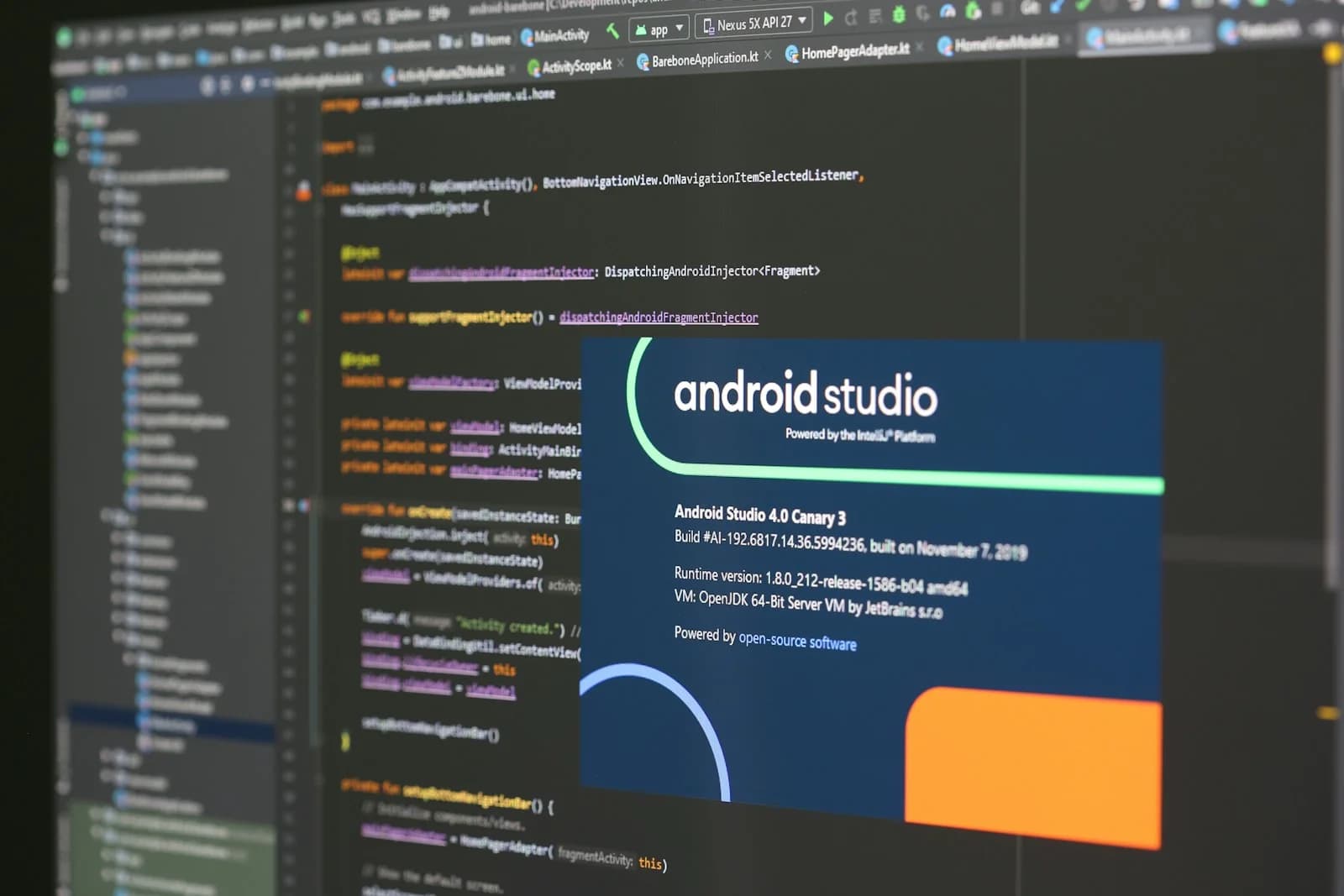
The third state is the one worth alerting on. It usually means a build was signed with the wrong key, or that a package you consider yours is registered to someone else. Android Studio Panda 4 and later also shows the registration status when you generate a signed bundle or APK.
The takeaway
For most Play apps this is a status check. For anything distributed outside Play, the work is small but it has a lead time, and the risk sits with whoever controls the signing key. Run this list before the 2027 rollout reaches your users:
If you cannot fill in the KEY line, that is the first thing to fix. Platform deadlines like this one are why our support and maintenance runs on a schedule rather than on request. If you want a second pair of eyes on your list, send us the CHANNELS line.
// sources
// next step
We work this way on client projects too.
Tell us what you are making. We reply with a plan, a timeline, and a price.
